


SYNC™ SUPPORT
How to play music on your USB device or iPod
Use your voice to browse through media players like your iPod, or ask SYNC™ to play songs by name.
Plug your music device into the auxiliary port in your car.
Connection cable sold separately. Overseas model shown.
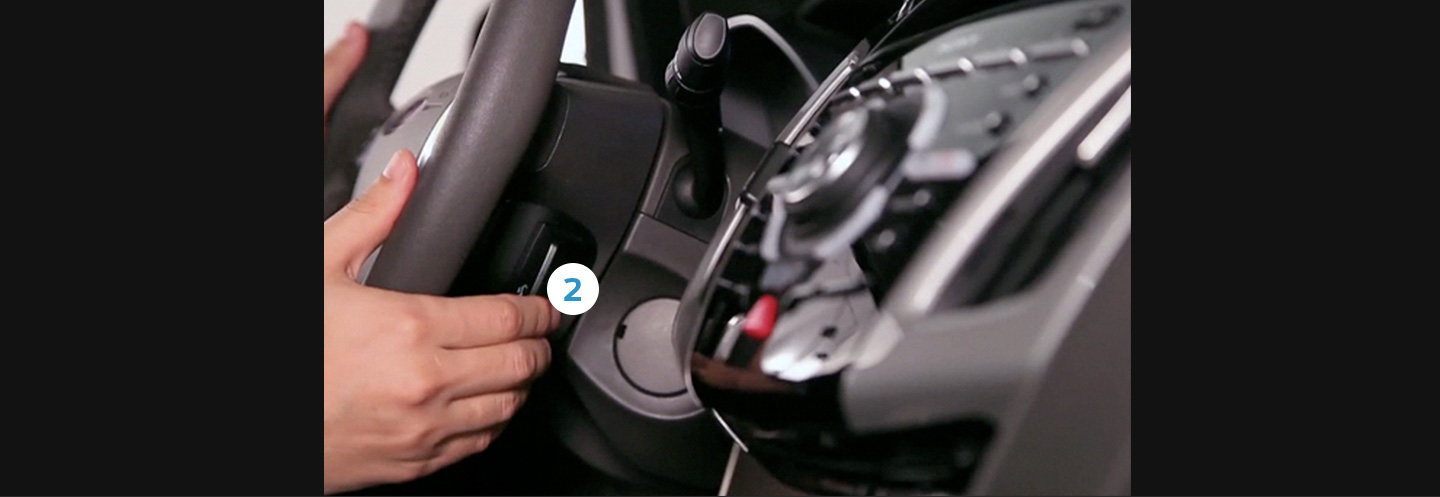
Press the Voice button. SYNC™ will ask for a command.
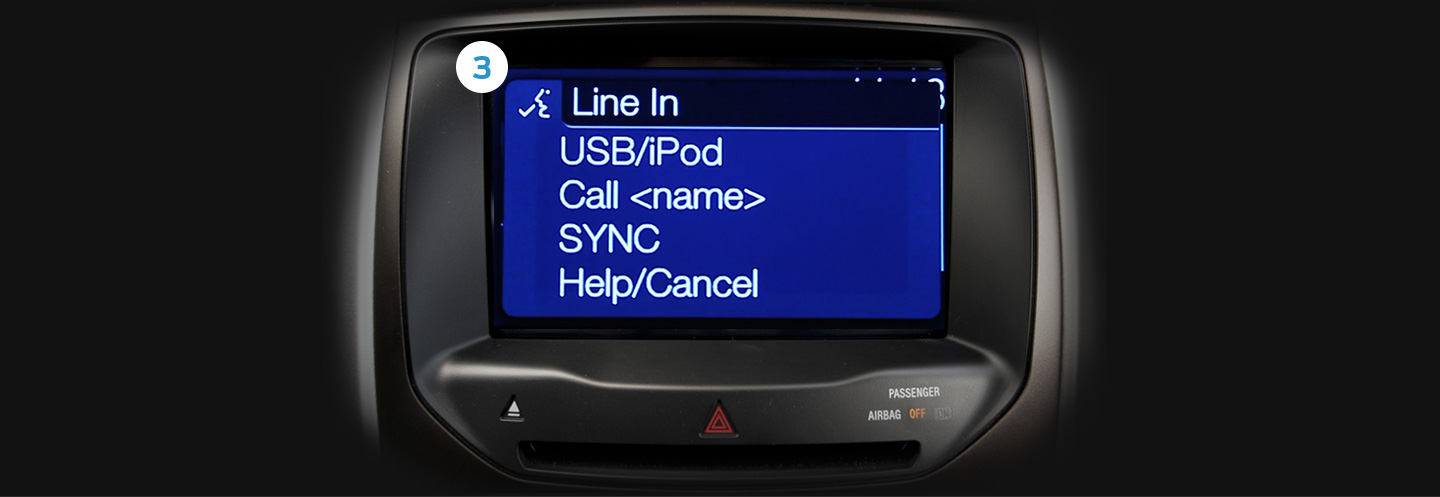
Say: “Line In” (selects the source).
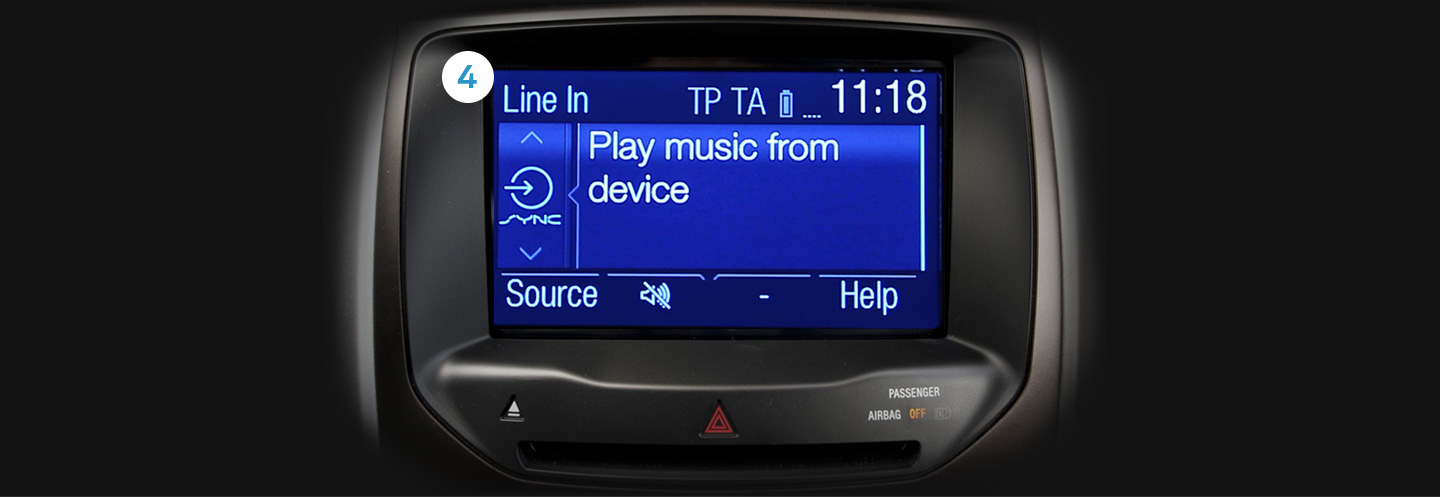
Say it again: “Line In” (starts playing your music).
If you’re not sure what to say, just say “Help” and SYNC™ will suggest commands you can use


